Township Fits Short Visits, but Its Events Still Set the Schedule
 Analysis by Appsdrops
·
Phones have become more aggressive about saving battery, quieting notifications, and deciding what can run in the background. Township, a game built around crops that take real time to grow and factories that keep production ticking, depends on a different bargain: leave, come back, collect, and set the next task. On current Android and iOS devices, that rhythm feels increasingly well suited to short, interrupted visits—but only if you are comfortable letting the game set a few appointments for you.
That is the interesting platform story here. Township has not reinvented its core loop to match a major operating-system update. Instead, its strengths and irritations become clearer as mobile systems make attention, battery life, and notification control more deliberate. The game remains a patient mix of farming, town-building, orders, and timed events; what changes is how neatly that routine fits around the rest of a modern phone.
What modern Android and iOS bring to the loop
There is no single Android or iOS feature that transforms Township into a new game. The gains are more practical: current phones make it easy to dip in, handle a few actions, and leave again. On a larger display, the compact controls and colorful isometric town are easy to read. On a smaller screen, the same presentation keeps the farm and production buildings legible without demanding the kind of precision found in a fast action game.
System-level notification controls also give players more say over the game’s reminders. A crop ready to harvest or a production queue completed can be useful information, but not every event alert deserves a place on the lock screen. Android’s notification channels and iOS Focus settings let players reduce interruptions at the system level. The game may still encourage frequent returns, but the operating system can make those requests less intrusive.
Battery management has a more complicated effect. Township does not need constant background activity to preserve its basic timers: a player can close it and return later to see what has finished. That makes it naturally compatible with phones that restrict background work. The trade-off is familiar across mobile games: the system may delay some notifications, and the app’s sense of immediacy can vary with device settings and connection quality.
The key change is control over attention, not a new farming mechanic. Players can fit the game around a day more easily, but they still have to decide whether its reminders and event calendar belong in that day at all.
What players notice first
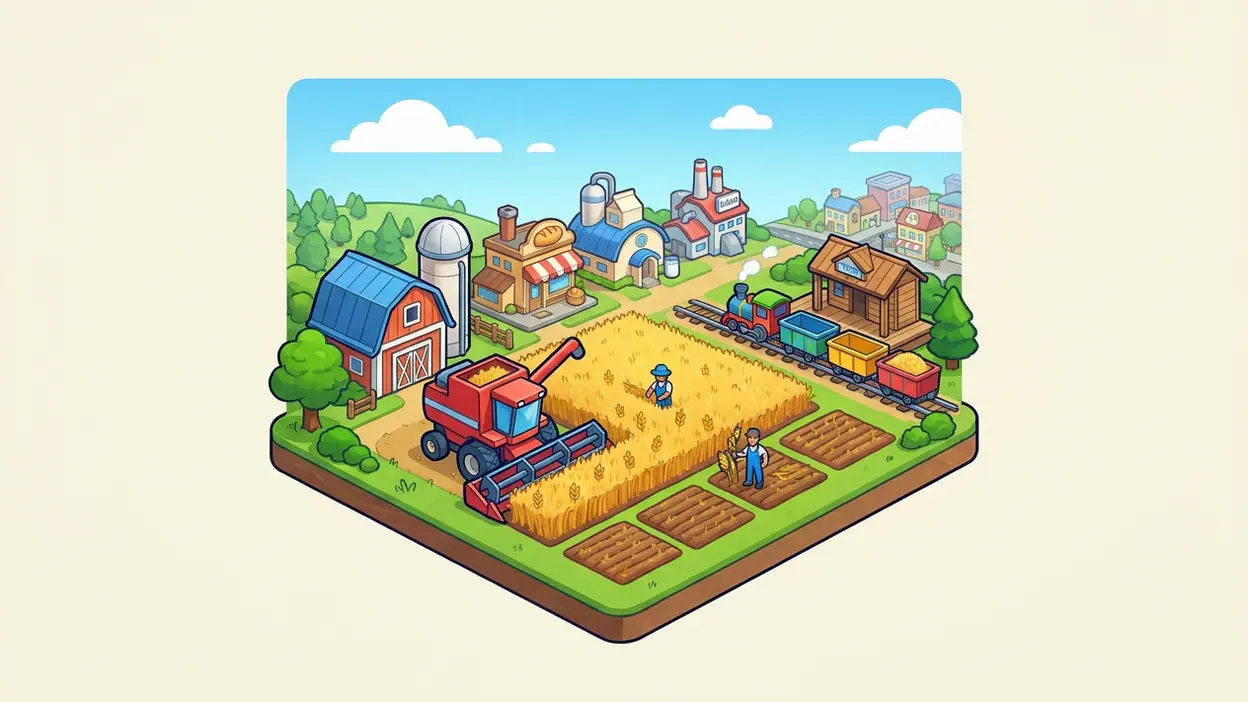
The first visit still presents a bright, tidy place with a lot waiting to be done. Plant crops, wait for them to mature, turn them into goods, and use those goods to complete orders or develop the town. The loop is easy to grasp because each action points toward another. Wheat becomes feed, feed supports livestock, and animal products feed more production. A few taps can produce a visible sense of progress without requiring a long session.
That clarity is especially useful on a phone. Township is forgiving of interruptions: there is no live match to abandon and no precise sequence to memorize. I can clear a handful of orders while waiting for something else, then put the game away without feeling I have lost a contest. The town itself supplies a gentle visual reward as buildings appear, roads spread, and the farming plot grows busier.
Still, modern devices do not make the interface immune to clutter. As a town expands and more features unlock, icons, offers, task markers, and event prompts compete for attention. The colorful art helps distinguish buildings and goods, but the density can make the game feel busier than its relaxed pace suggests. A new player is likely to notice both sides at once: an inviting world and a steady stream of reasons to tap somewhere else.
The daily rhythm: satisfying, then demanding
Township’s best habit is its small-scale planning. I choose crops based on how long I expect to be away, start factory jobs before closing the app, and return to collect results. The game turns ordinary gaps in the day into a sequence of little payoffs. There is pleasure in seeing a barn fill, fulfilling an order, and using the reward to push a town project forward. It is less about winning a dramatic moment than keeping several modest systems in motion.
That rhythm also explains the game’s replay value. The town is never quite finished, and production chains provide a reason to check back. Cooperative play and rotating events add goals beyond the local map, while limited-time tasks give experienced players a fresh target. There is always another building to place or resource to gather, although not every new objective feels meaningfully different from the last.
The cost is that timers can turn leisure into bookkeeping. Crops and goods may be ready at awkward times, and events can encourage more frequent check-ins than a casual player wants. Missing a window is rarely catastrophic, but the design makes it easy to feel behind. A good notification setup helps; a healthier mindset helps more. Township is most enjoyable when a missed collection remains a minor inconvenience, not a debt to repay.
Where the ecosystem helps, and where it gets in the way
Android and iOS provide a strong home for this kind of game because they support quick sessions, persistent accounts, and comfortable touch controls. A phone can sit idle while production timers run, then become a small town-management desk for a few minutes. On tablets, the wider view makes it easier to scan the farm and surrounding town, though the core interaction remains simple enough for a handset.
Cross-device expectations need a little caution. Players should check the game’s current account and transfer options before assuming progress will move cleanly between devices or platforms. Purchases, saved progress, and platform services can depend on how an account was connected and on the game’s current support. This is not a reason to avoid switching phones; it is a reason to verify the setup before treating a new device as a seamless continuation.
Compatibility friction is less about demanding hardware than about practical details: storage, reliable network access, operating-system permissions, and battery policies. Township is not a graphics stress test, but a device with little free space or aggressive data restrictions can still make updates and online features inconvenient. Players who disable notifications may also lose timely reminders, which is a deliberate compromise rather than a malfunction.
What rival apps reveal about mobile habits
Block Blast! offers a useful contrast. Its appeal arrives in a single, self-contained puzzle session: place shapes, clear lines, and try again. Township asks for a broader relationship with a persistent world, where a few minutes now set up the next visit. One is easy to play and forget; the other builds attachment through accumulation, routine, and the sense that the town is becoming yours.
That difference makes Township more rewarding for players who enjoy planning, but less suited to someone who wants every session to end cleanly. It also clarifies why notification restraint matters. A puzzle can wait without a crop timer in the background. Township’s central promise is continuity, and modern mobile systems are increasingly designed to let users decide which forms of continuity deserve their attention.
Mobile games are moving toward a more negotiated relationship with the phone. Operating systems give users stronger tools to limit interruptions, while games compete for recurring visits through events, timers, and social goals. Township sits squarely in that tension. Its loop is gentle in the moment, yet its long-term structure is built to bring players back. That is not inherently a problem; it is simply worth recognizing before a casual farm becomes part of the daily checklist.
Who should settle in, and what to watch next
Township suits players who like visible progress, light resource planning, and a world that develops gradually. It is particularly comfortable for people who prefer several short sessions over one long stretch of play. If you enjoy deciding what to grow, what to manufacture, and which order to complete next, the game gives those choices a pleasingly concrete result. Players who dislike timers, event pressure, or repeated prompts may find the same structure tiring.
Going forward, the most important changes to watch are not necessarily dramatic visual upgrades. Better control over reminders, smoother account transitions, and clearer ways to manage event pressure would have a more meaningful impact on daily play. As Android and iOS continue to emphasize privacy, battery limits, and user-controlled notifications, games that rely on habitual returns will need to respect those boundaries without making their worlds feel dormant.
For now, Township remains a warm, well-paced town-building game whose core loop works naturally on a phone: plant, produce, deliver, expand, and come back when it suits you. Its chief weakness is the pressure hidden inside that convenience—the calendar of timers and events can quietly turn a relaxing routine into an obligation. Keep the reminders on your terms, and the game is an appealing place to spend a few spare minutes. Let the schedule take over, and the farm starts running you.


